10 render modes
Shaded, flat, wireframe, hidden wire, shaded + wire, points, chrome, x-ray, normals and unlit. Glow, trails and feedback on top.

Drop in a GLB, glTF, OBJ, STL or PLY and it's live on your layer: lit, spinning and ready for every look, preset and audio reaction. Animated glTF plays. Point clouds glow. Load one model and the Folder dropdown lists every model beside it, so a MIDI knob can flip through a whole folder live.
Jimothy the raccoon, the astronaut and the marble bust ship with Meshmerize as demo models.
Everything is a fader. Every look is one click from a preset, and everything reacts to Resolume's audio, so a model can sit still in the breakdown and blow apart on the drop.
Shaded, flat, wireframe, hidden wire, shaded + wire, points, chrome, x-ray, normals and unlit. Glow, trails and feedback on top.
Explode a model into shards, crumble it from below, or burst it on cue. Bass Explode makes the drop do it for you.
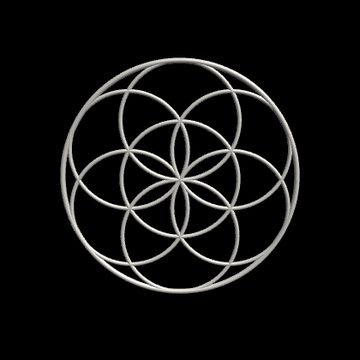
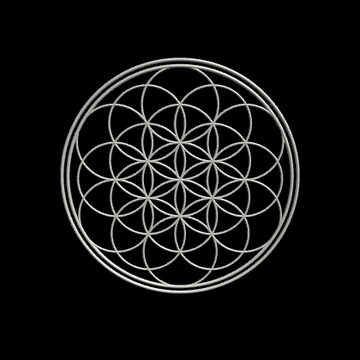
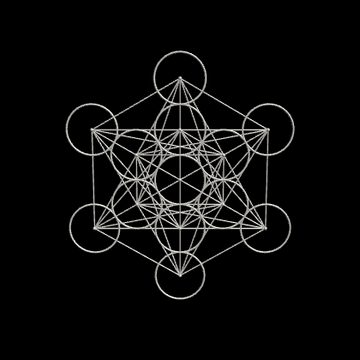
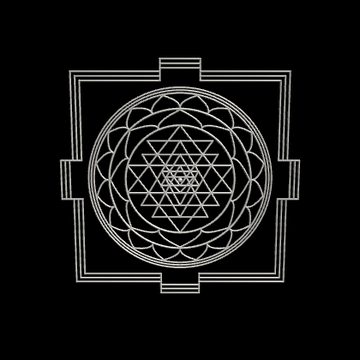
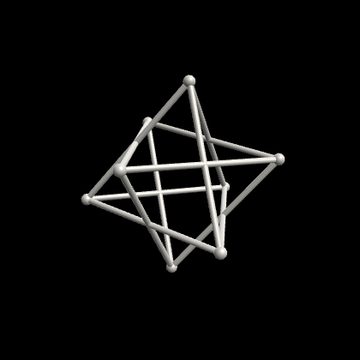
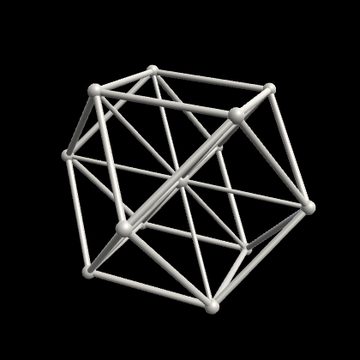
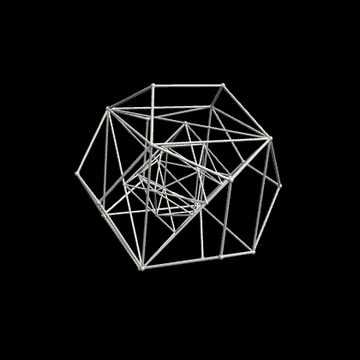
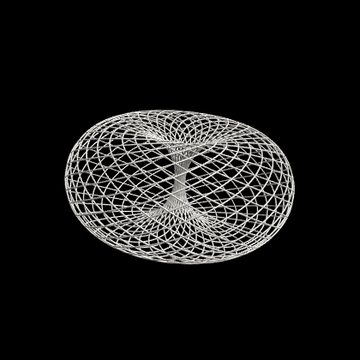
Turn one model into a formation: grid, rings, mandala, spiral, sphere, starfield, a tunnel to fly through, an endless zoom, or sacred geometry: Flower of Life, Metatron, a golden-angle sunflower, a counter-spinning Merkaba, the Platonic solids.
Pulse, explode, spin, copies, spread, flash, glow, color, RGB split, glitch, trails, feedback, texture and wobble, all driven by Resolume's audio.
Meshmerize FX wraps the layer's clip around the model, or only onto its screens. The TV plays your footage.
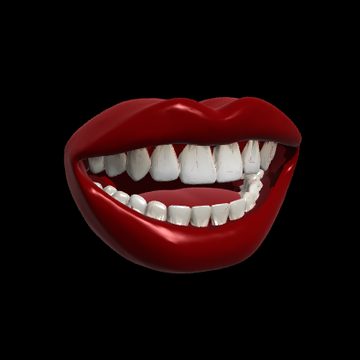
Drop in a PNG or SVG and it lands where a brand really sits: the record's label, the panels of a ball, the lip of a pop-art mouth. Sponsor reads and artist marks, in 3D.
Fifteen of the built-in models can move on their own: the lips talk, the skull chatters, the ghost drifts, the lantern flickers, the eyeball winks, the head opens its eyes on your clip. Every one starts still. Switch it on from the Animation menu, then lock it to the beat with Anim Speed and Anim Offset.
Animation plays under everything else, so a talking mouth still multiplies into a mandala, a flapping bat still shatters on the kick, and the speaker cone pumps while Bass Pulse throws the whole cabinet.
Meshmerize lives in your deck as a source and an effect for Resolume Arena and Avenue. Pick a model, hit a preset, multiply it, shatter it, print your logo on it or play your clips on it, all from the clip panel, and every change lands on the next frame, mid-set.
Halloween, love, party, music, holiday, space, sports and sacred geometry, all original, made for Meshmerize and ready to play the moment you install. Or load your own: GLB, glTF, OBJ, STL and PLY, with animations.
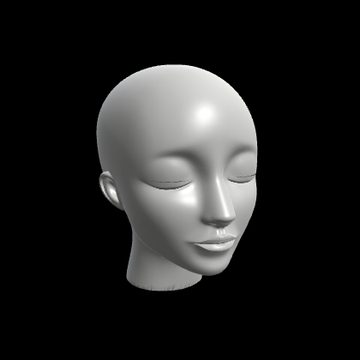
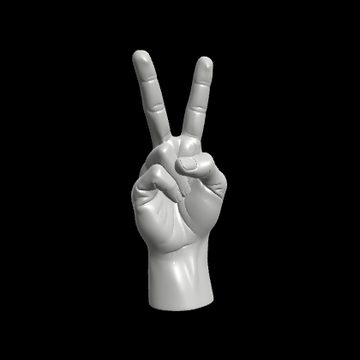
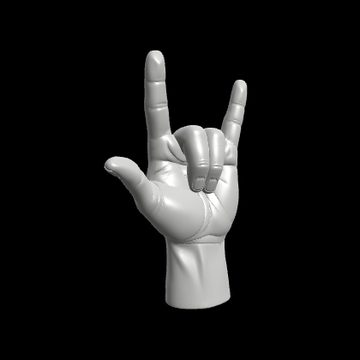
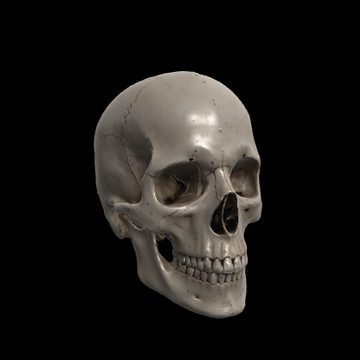
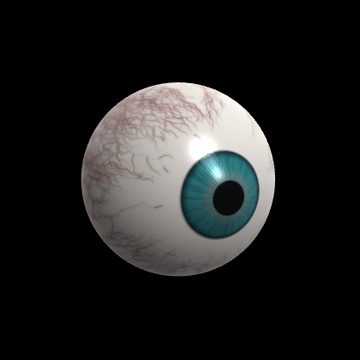


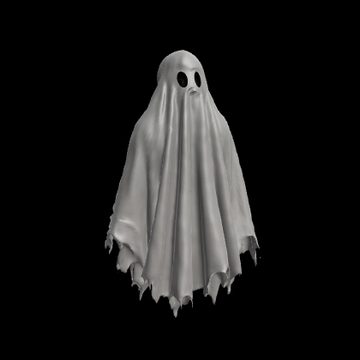
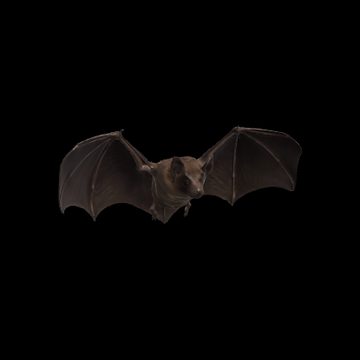
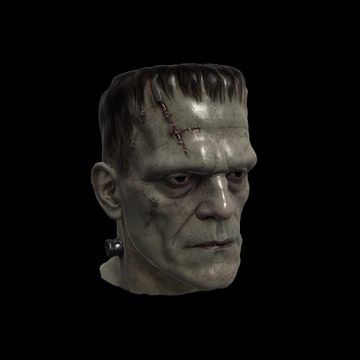
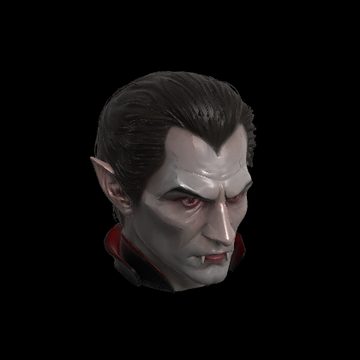
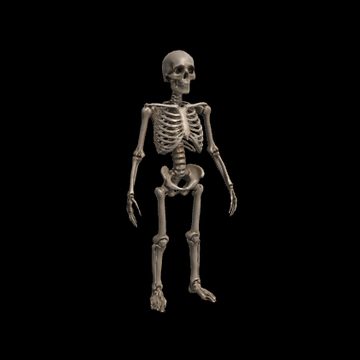


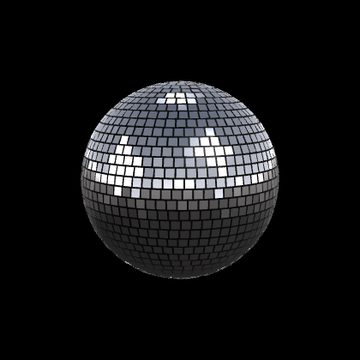

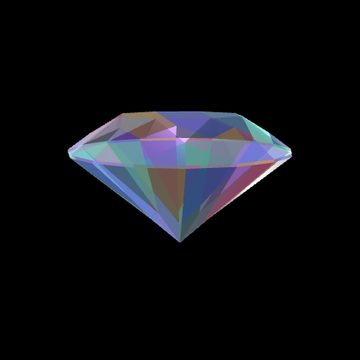


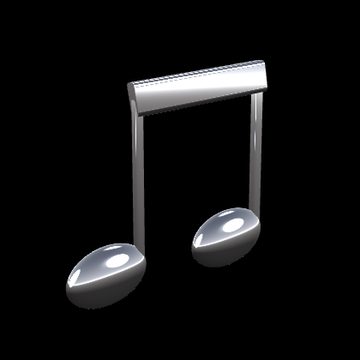
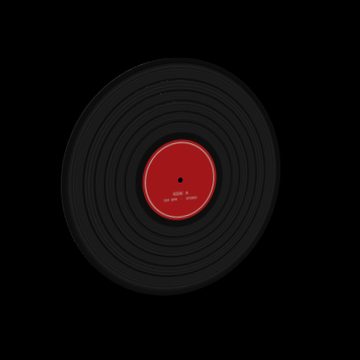
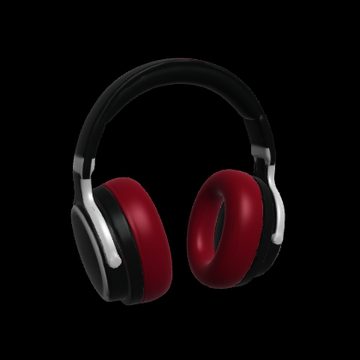
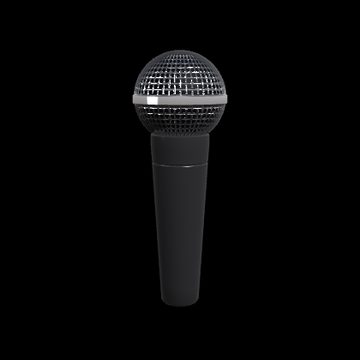
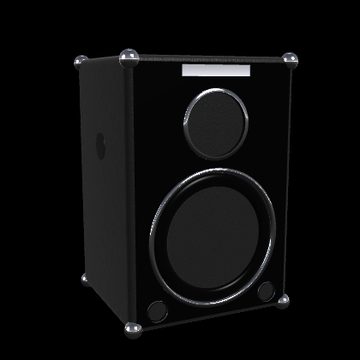
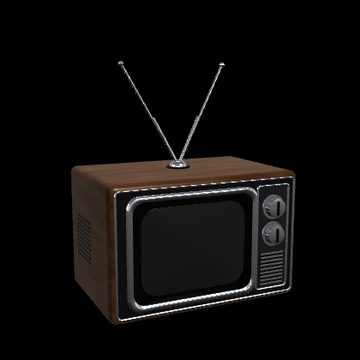
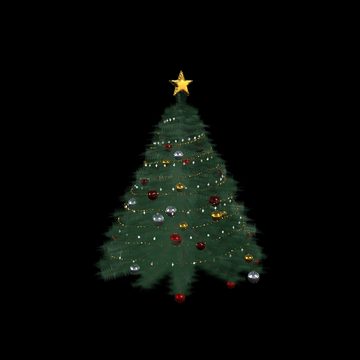

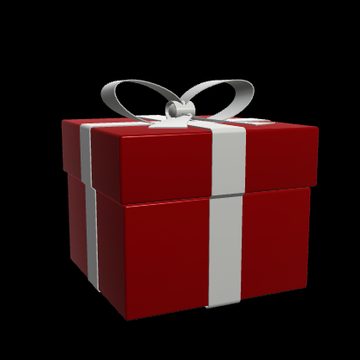
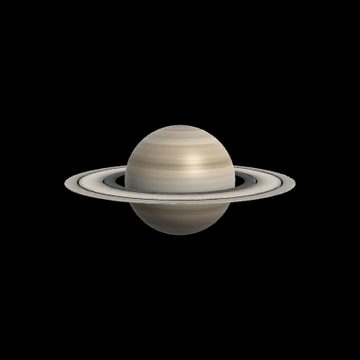

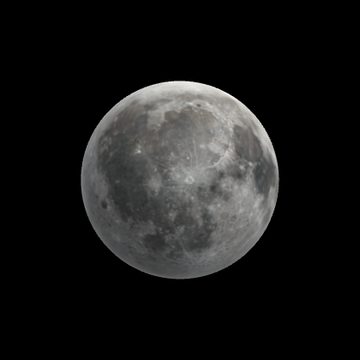
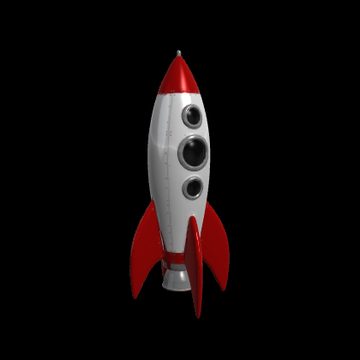
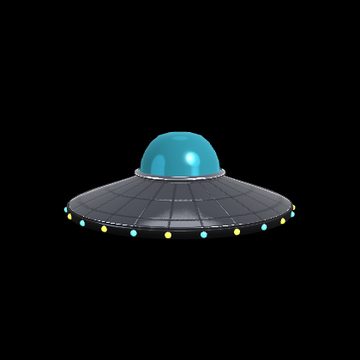


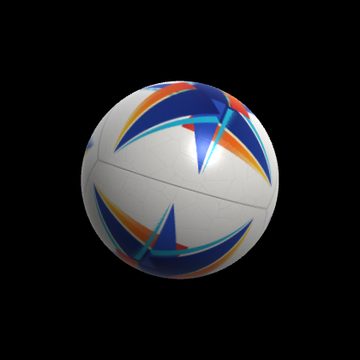
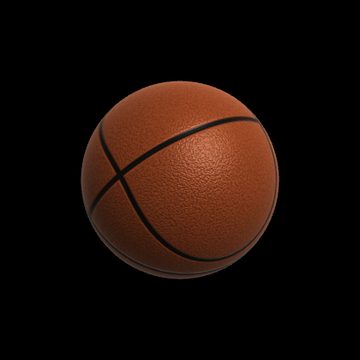

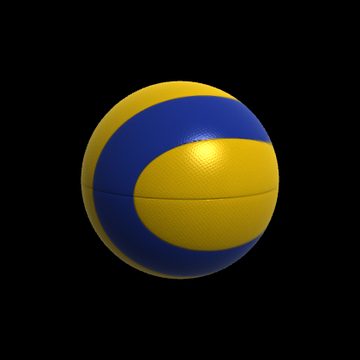
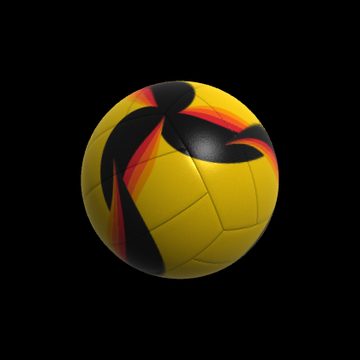
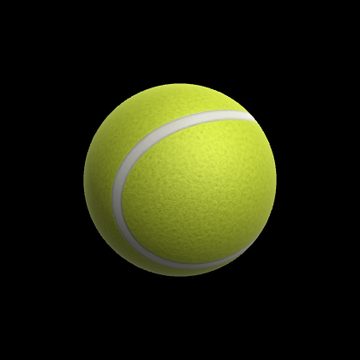
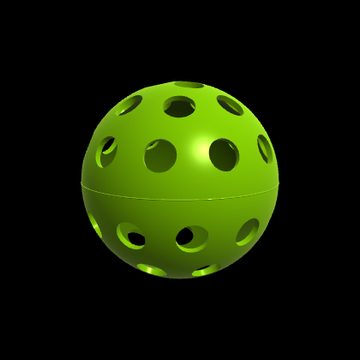

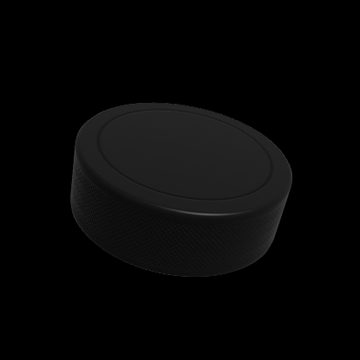



Start from a look and ride the faders from there.
Launch price · $45 after the first 30 days
Free trial: the full plugin, watermarked until you add a key. v1.0.9 · 69 MB · macOS 12+ · Resolume 7+
Checkout opens at launch. Join the drop list and we'll send you the link.
Not yet. Meshmerize 1.0 is Mac only (Apple Silicon and Intel). Join the drop list if you want the Windows version and we'll let you know.
Resolume Arena or Avenue 7 or newer. Meshmerize shows up under Sources, and Meshmerize FX under Effects.
Yes. Load GLB, glTF, OBJ, STL or PLY files, and the Folder dropdown flips through every model in the same folder live. glTF animations play too. Draco-compressed glTF isn't supported yet, so export without Draco.
Add Meshmerize FX to a layer or clip. It takes that clip and wraps it around the model, or onto the one part that suits it, picked from the Surface menu: the TV's screen, the eyeball's iris, the head's eyes as they open, the candlelight in the Jack-o'-Lantern.
Yes. Choose a Logo File (PNG, SVG, JPG and more) and it lands on the model's logo spot. Most built-in models have one, and the user guide covers how to size artwork so it reads.
No. Meshmerize loads with Resolume in about a millisecond, models load in the background, and a typical scene renders in about 5 ms a frame at 1080p on an M2 Max.
Copy both .bundle files into Documents/Resolume Arena/Extra Effects (or Resolume Avenue) and restart Resolume. Keep the two bundles together: the model library lives inside Meshmerize.bundle.
Yes. The download is the full plugin with every model and control. Until you add a license key, the output carries a Meshmerize Trial watermark, so you can build a whole set before you buy.
Your key is on the order page and in the receipt email. In Resolume, open Meshmerize's License section and paste the key into License Key. The watermark clears in a second or two, and both Meshmerize and Meshmerize FX are unlocked on that Mac. It checks in online every few days, and keeps working for 30 days with no connection, so a gig without wifi is fine.
A license covers two Macs. To swap one out, type RELEASE into License Key on the old Mac (while it's online), then paste your key on the new one. If the old Mac is gone, lost or wiped, give its seat back on the license page with your key, no email needed.
Email support@beautifulengine.com with your Mac model, macOS and Resolume versions, and what you're seeing. We answer every message.
One email when something new goes on a shelf. No spam.